Add Patient Contact Notes
|
You can add patient contact notes from the Patients module > Patient Card window and the Transactions module. To add a patient contact note:
 Access from the Patients module Access from the Patients module
Access from the Transactions module
|
 ) icon to display the Patient Card window.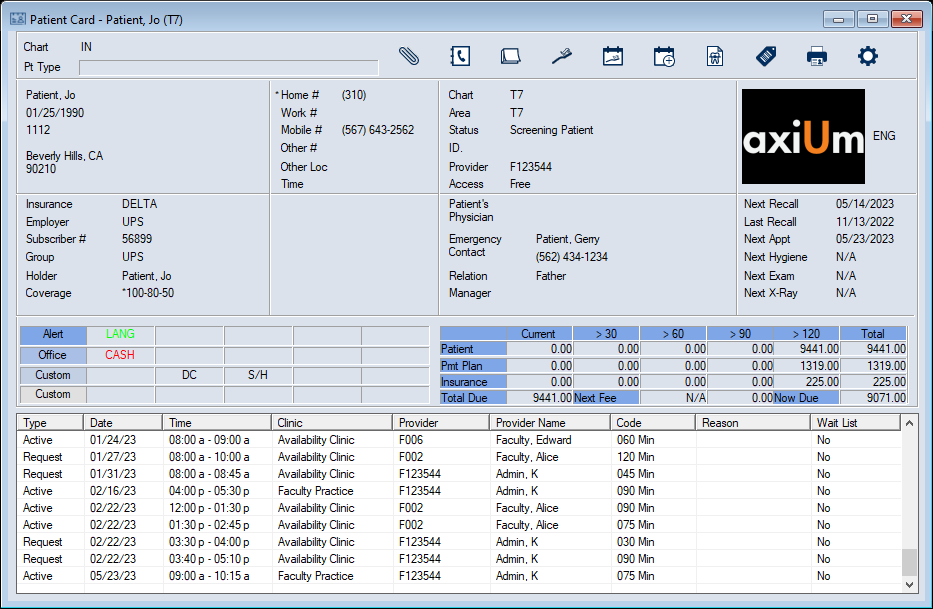
 ) icon.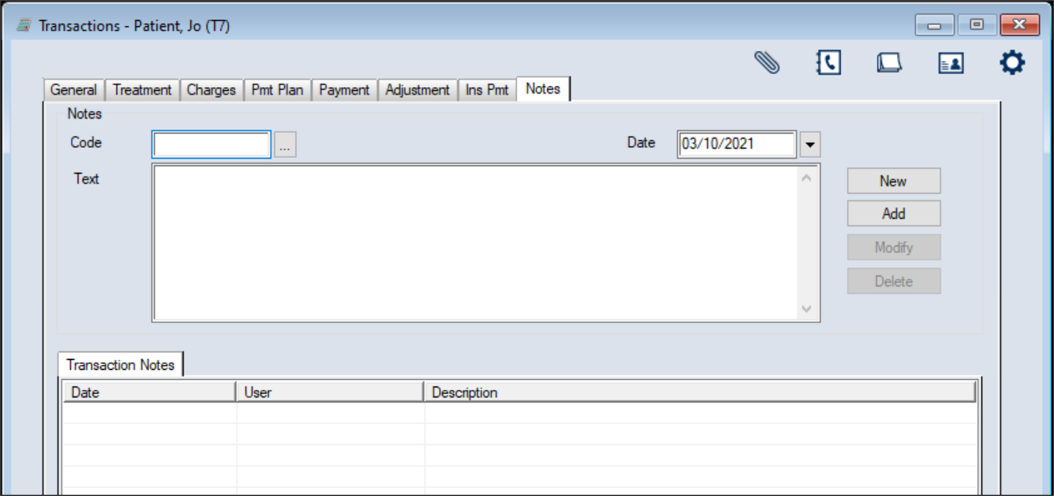
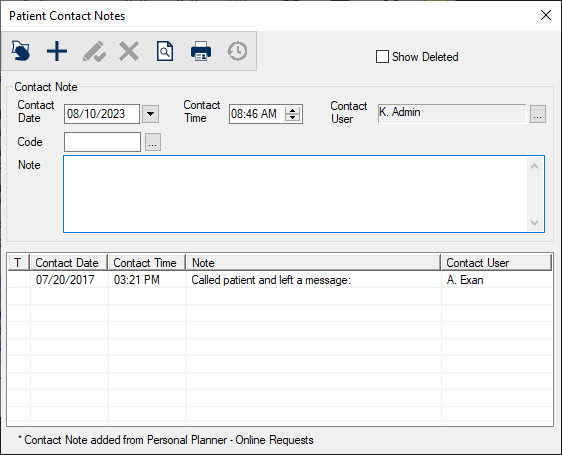
 ) icon.
 ) icon.